
Payees
Use Payees to create, rename, merge, import, export, and delete payees. Review transaction and rule references before deleting or merging a payee.
Open it from Data Management → Payees (/payees).
Budget impact: Payee changes remain staged for review until you Save.
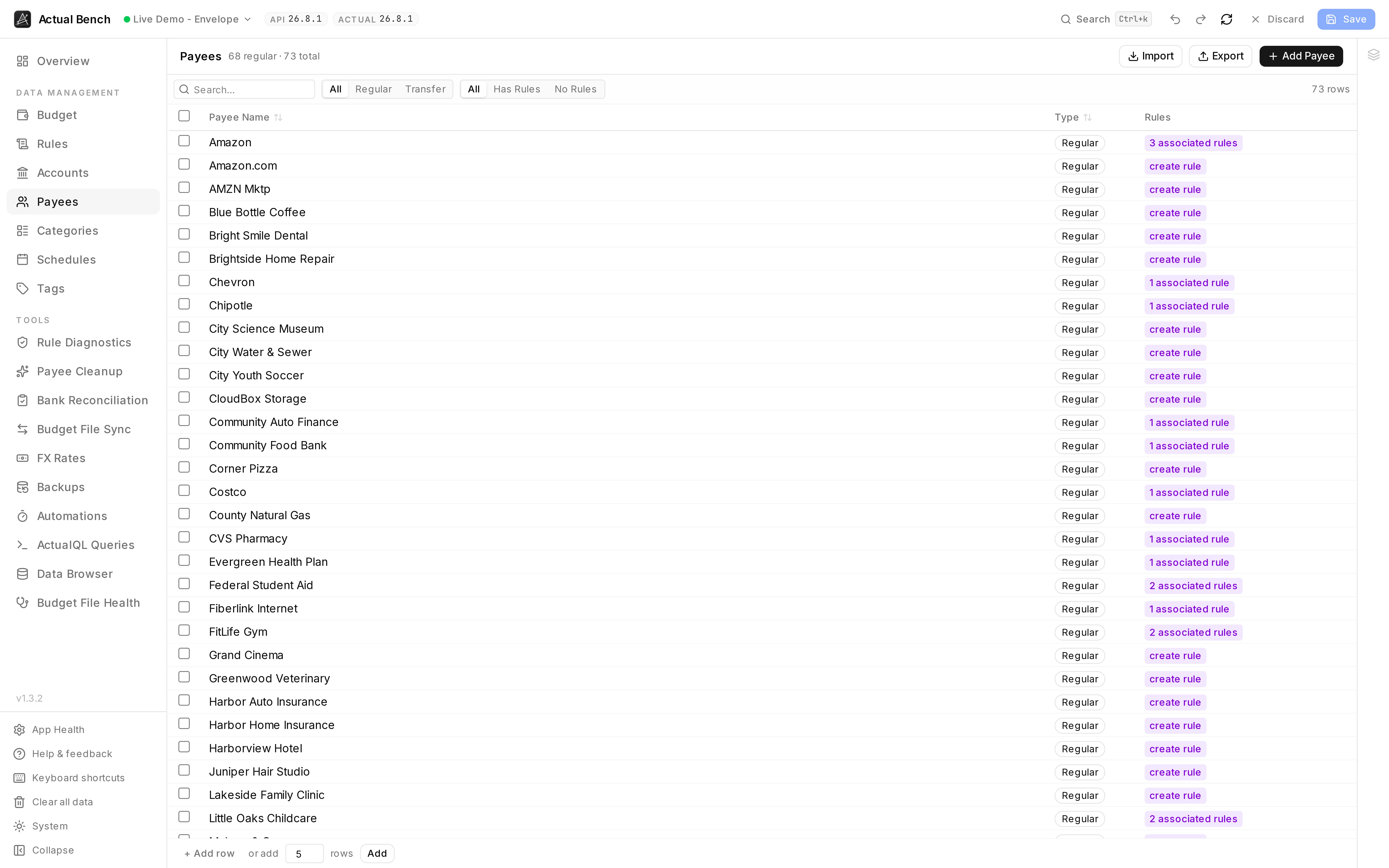
Three rows for one shop - Amazon, Amazon.com, AMZN Mktp - is what a few years of bank imports
looks like. The rule column shows which payees something already depends on.
It shares the editing model every Data Management page uses.
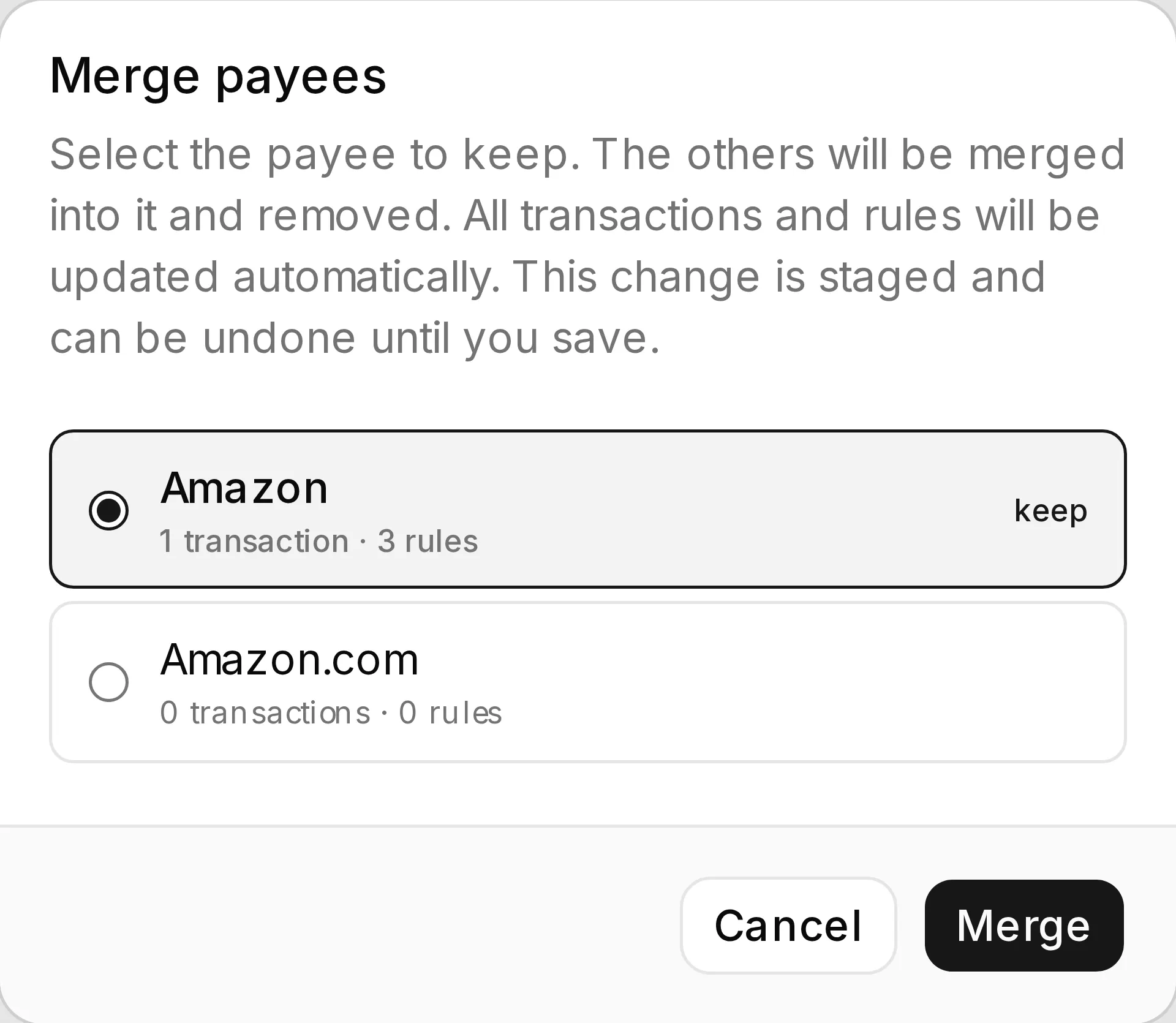
Merging asks the only question that matters - which name survives - and says what moves with it before anything is staged.
What you get beyond Actual Budget
Section titled “What you get beyond Actual Budget”- Merge duplicates in bulk - several payees into one, staged and undoable.
- Payee Cleanup finds those duplicates for you, and - once a rename or merge has moved a payee’s name away from the text its bank sends - finds the payees whose imports will no longer resolve to them.
- Create and import in bulk - inline, or from CSV.
- See which rules reference a payee and jump straight to them.
- Impact-aware deletion - you see the transaction and rule counts before it goes.
- Transfer payees are marked and protected. Actual manages them; you cannot break them here by accident.
Regular and transfer payees
Section titled “Regular and transfer payees”Actual generates a transfer payee for every inter-account transfer. They show as their own filterable type, and they do not edit or bulk-delete like ordinary payees. Their checkbox is disabled so you can see that rather than discover it.
Create, rename, and delete
Section titled “Create, rename, and delete”- Create and rename payees inline.
- Every delete confirms, with the transaction and rule counts. Transfer payees sit out of bulk delete and are counted separately in the dialog.
Merge duplicate payees
Section titled “Merge duplicate payees”- Select two or more regular payees.
- Choose Merge.
- The first payee you tick survives. Not the top row - the first one you ticked. The rest fold into it.
- The merge is staged and shown in the Draft Changes panel as “Merge Deleted” before you Save.
Ctrl+Zundoes it.
Filter
Section titled “Filter”Filter by name, type (regular / transfer / all), and whether a payee has associated rules.
Import and export
Section titled “Import and export”Export payees to CSV or import them (staged before saving). CSV columns:
name(required).
Common problems
Section titled “Common problems”- “Can’t select a transfer payee” - Actual manages those. Nothing here can edit them.
- The merge kept the wrong name - the survivor is the first one you ticked, not the top row. Clear the selection and tick them in the order you meant.
Related pages
Section titled “Related pages”- Editing, review and save - the shared editing model
- Rules - how rules reference payees