

Actual Bench documentation
Actual Bench is an independent companion app for Actual Budget. Use it for bulk data management, full-year planning, statement reconciliation, budget-file sync, diagnostics, and scheduled work.
Use Actual Budget for day-to-day transaction entry, routine budgeting, reports, and bank connections.
Start from what you need to do
Section titled “Start from what you need to do”| I want to… | Actual Bench provides | Go to |
|---|---|---|
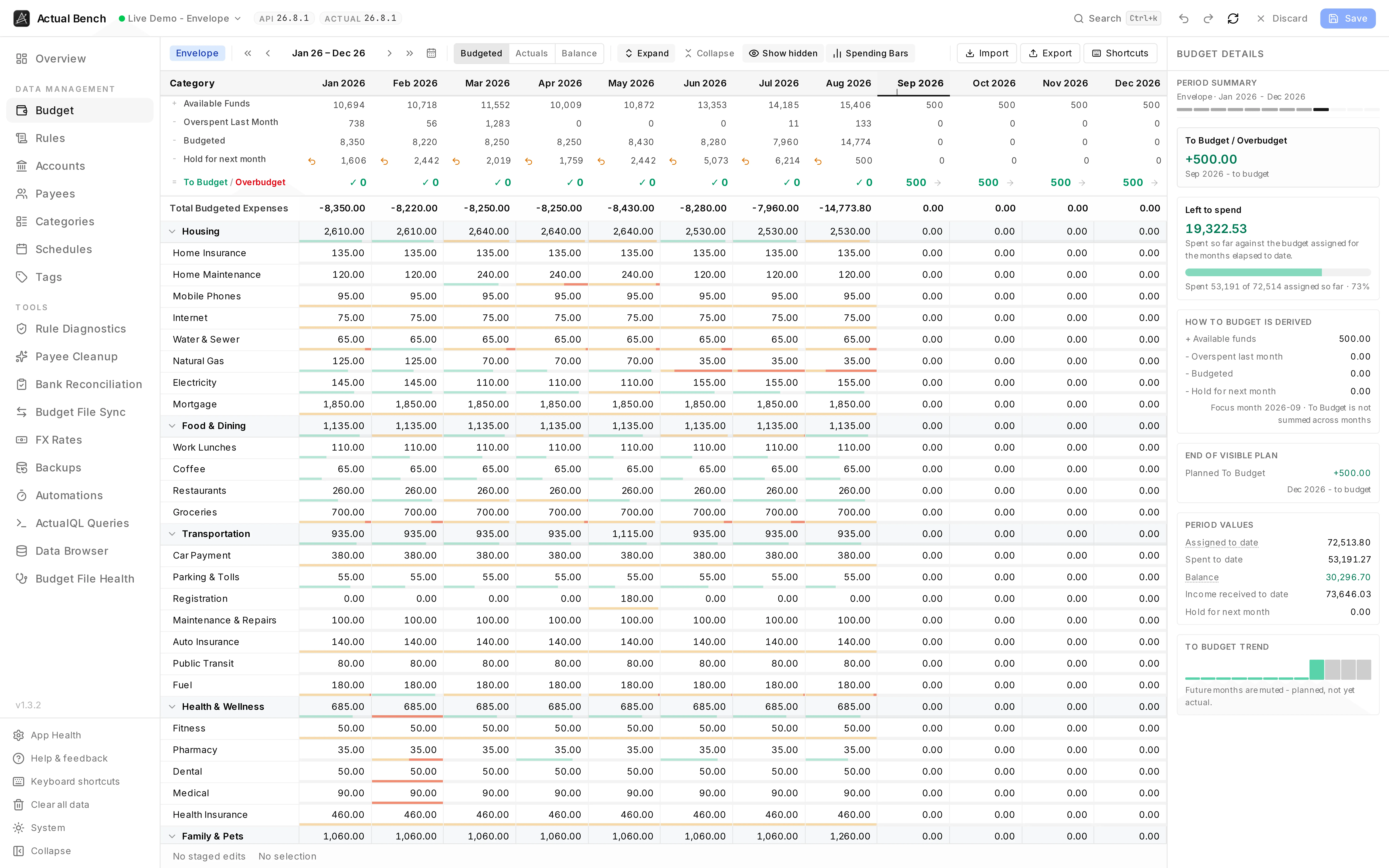
| Plan a full year, not six months | A 12-month Budget, Actuals, or Balance grid with spreadsheet-style editing | Budget |
| Seed a budget from a spreadsheet, or clean one up in bulk | Bulk creation, merge, import, export, dependency checks, and staged review for budget records | Editing, review and save |
| Fix the duplicate payees my bank imports keep creating | Suggested duplicate groups, merge impact, and optional rules to prevent new duplicates | Payee Cleanup |
| Write better rules, and audit the ones I have | Rule authoring, templates, formulas, CSV, and diagnostics for broken, overlapping, broad, or duplicate rules | Rules · Rule Diagnostics |
| Reconcile an account against a bank statement | A persistent statement comparison with reviewed create, update, and delete actions | Bank Reconciliation |
| Copy data between two budget files, in two currencies | One-way transaction, payee, and category flows with mappings, review queues, history, and optional FX conversion | Budget File Sync |
| Pull in new transactions without opening anything | Scheduled Actual bank syncs with a result for each linked account; Actual keeps the bank connection | Bank Sync |
| Have work run on a timetable while the app is closed | Scheduled bank syncs, backups, and safe syncs with run history, health, backoff, and credentials for HTTP API and Direct connections | Automations |
| Create verified backups | Scheduled copies to folders or S3-compatible storage, verification, retention protection, and recovery information | Backups |
| Ask a question of my data that no screen answers | Read-only ActualQL queries, exported-file diagnostics, and SQLite inspection | ActualQL Queries |
| Find out whether a budget file is sound | Structural checks and file metadata over an exported snapshot | Budget File Health |
| Move a whole budget structure somewhere else | A ZIP of accounts, payees, categories, tags, schedules, and rules, imported in dependency order | Bundle Export / Import |
The sidebar follows the app’s navigation. Use it when you know the workspace you need.
Manual budget changes remain available for review until you confirm them. See Work safely for the rule and its exceptions.
Actual Budget remains the place for day-to-day transaction entry, routine budgeting, reports, mobile use, and bank connections. Actual Bench schedules Actual’s existing bank sync and reports its result; it does not connect to a bank itself. What Actual Bench adds explains the boundary in more detail.